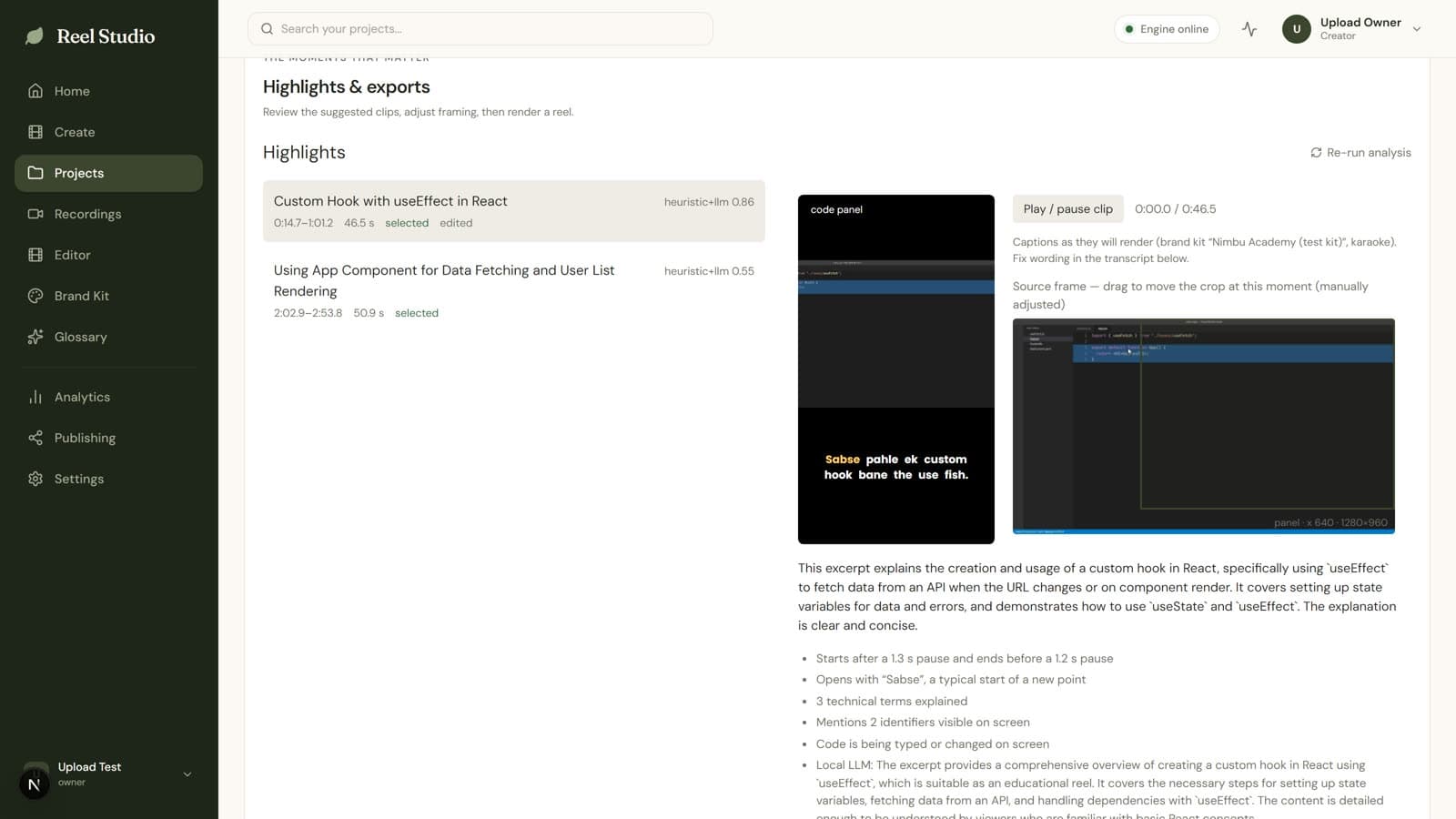
Recording → Reels
Upload a class. Get ranked 30–60 s highlights that start and end on complete thoughts, framed for phones, with synced captions.
Upload a recordingAI video studio for educators
Turn classes and ideas into polished short-form videos. Find the best moments, keep technical details readable, edit your story, and publish to Instagram — all in one studio.
Hinglish-aware · Runs on your own GPU machine · Free
Product tour
See how Reel Studio turns a recording or an idea into a ready-to-publish video.
Real screens from the app, composed and rendered with Hyperframes. Captions available.
How it works
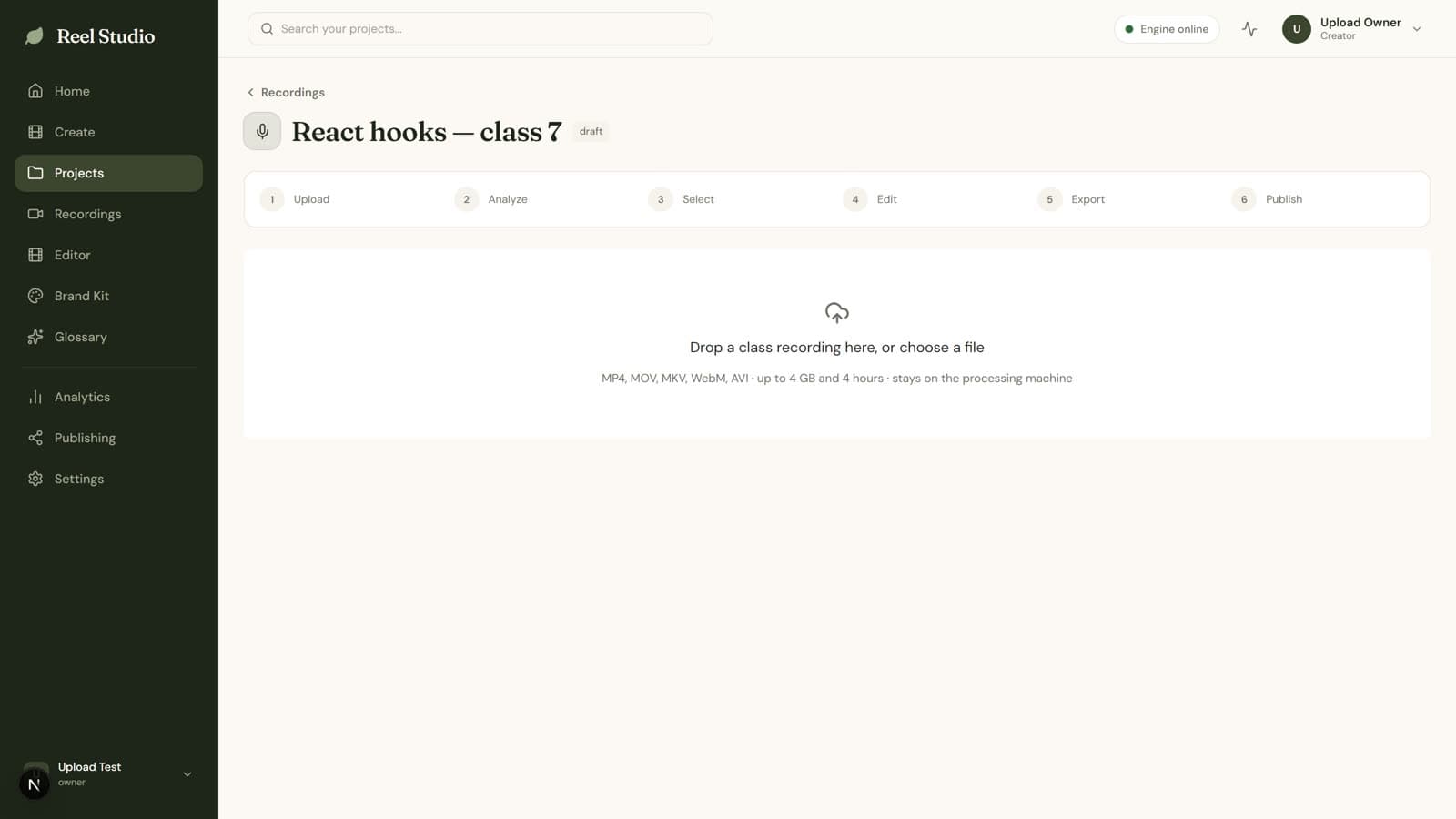
01
Upload a class recording, or type the topic you want explained.
02
Hinglish transcription, ranked highlights, code understanding and smart 9:16 reframing.
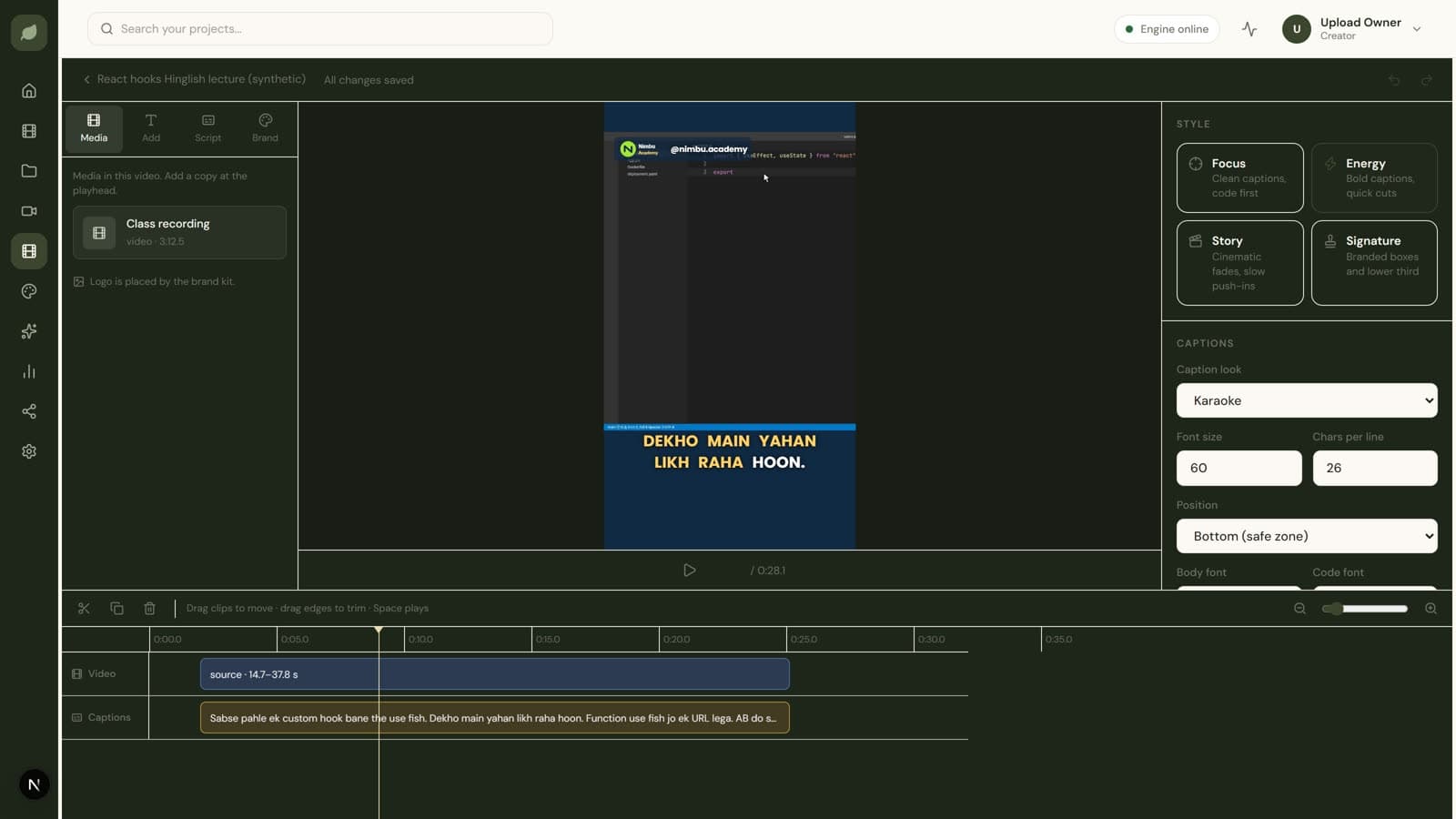
03
Edit on a multitrack timeline, apply your brand, export the MP4 and publish.
Hinglish and code understanding
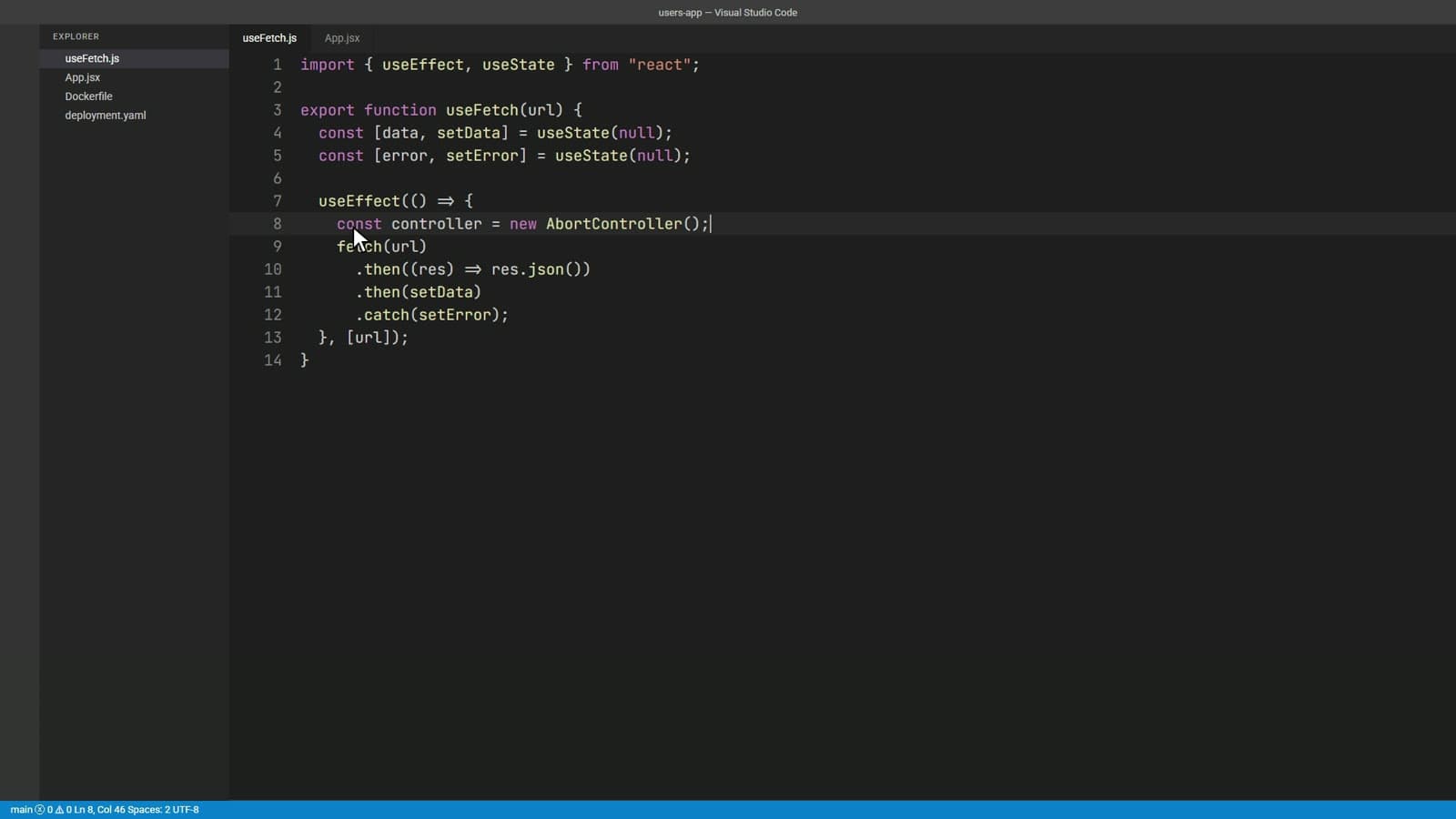
Speech recognition hears “about controller”. Reel Studio checks the code on screen and your glossary, and writes AbortController. These examples come from a real transcript of a recorded React class.
Reel Studio transcript · 1:23
Iska solution hai AbortController. Ham ek nayaAbortController banenge…
Why it changed. Heard as “about controller”. Matched to AbortController visible on screen at 1:30 (on-screen text match 93%).
Source
1920×1080
Crop window
608×1080
Output
1080×1920
Smart 9:16 reframing
Reel Studio tracks where the instructor is typing and moves the vertical window with them. The animation on the left replays the real crop keyframes of the reel beside it.
Two ways to create
Upload a class. Get ranked 30–60 s highlights that start and end on complete thoughts, framed for phones, with synced captions.
Upload a recording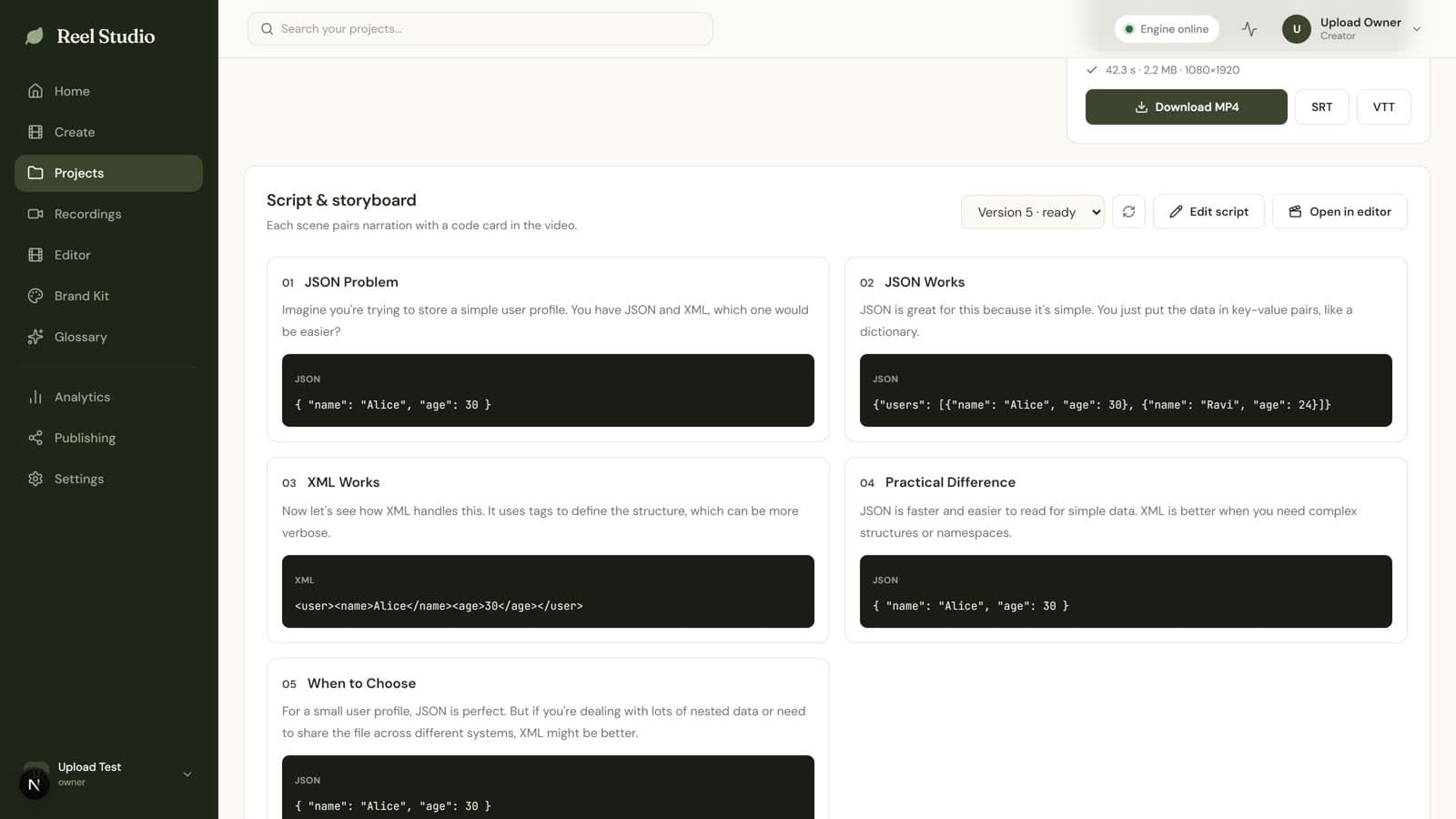
Type “JSON vs XML”. Get an editable script, animated code cards, a natural local voiceover and a 9:16 MP4.
Create from a topicProfessional editing and branding
A real multitrack editor on the same timeline the renderer uses: what you preview is what exports.
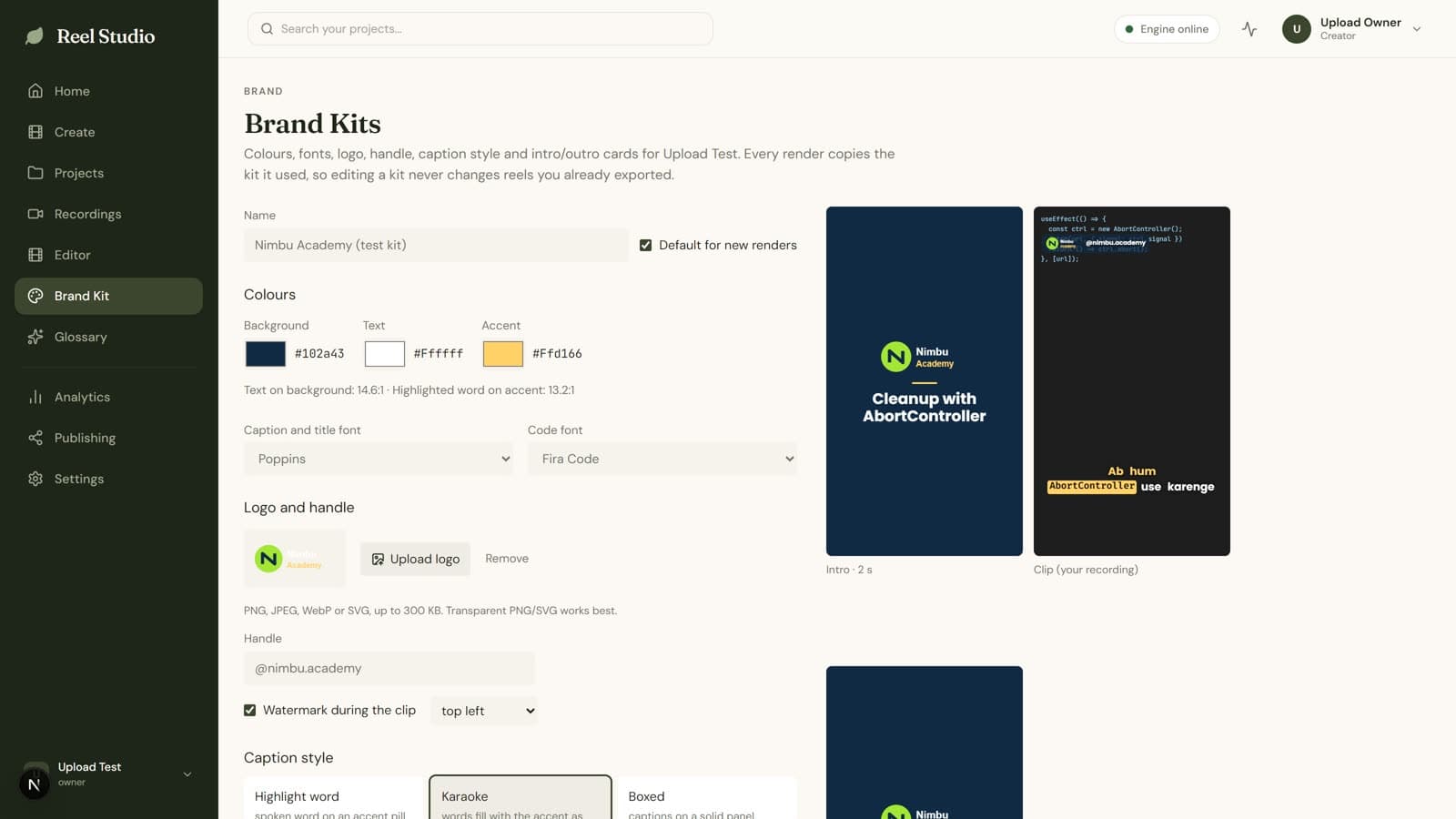
Split, trim, move and duplicate across video, audio, caption and overlay tracks.
Highlight word, karaoke or boxed, with word-level text and timing edits.
Colours, fonts, logo, watermark, intro and outro, applied to any video.
Typed code cards with readable fonts and syntax colour.
Verified 1080×1920 MP4 plus SRT and VTT subtitles.
Instagram publishing
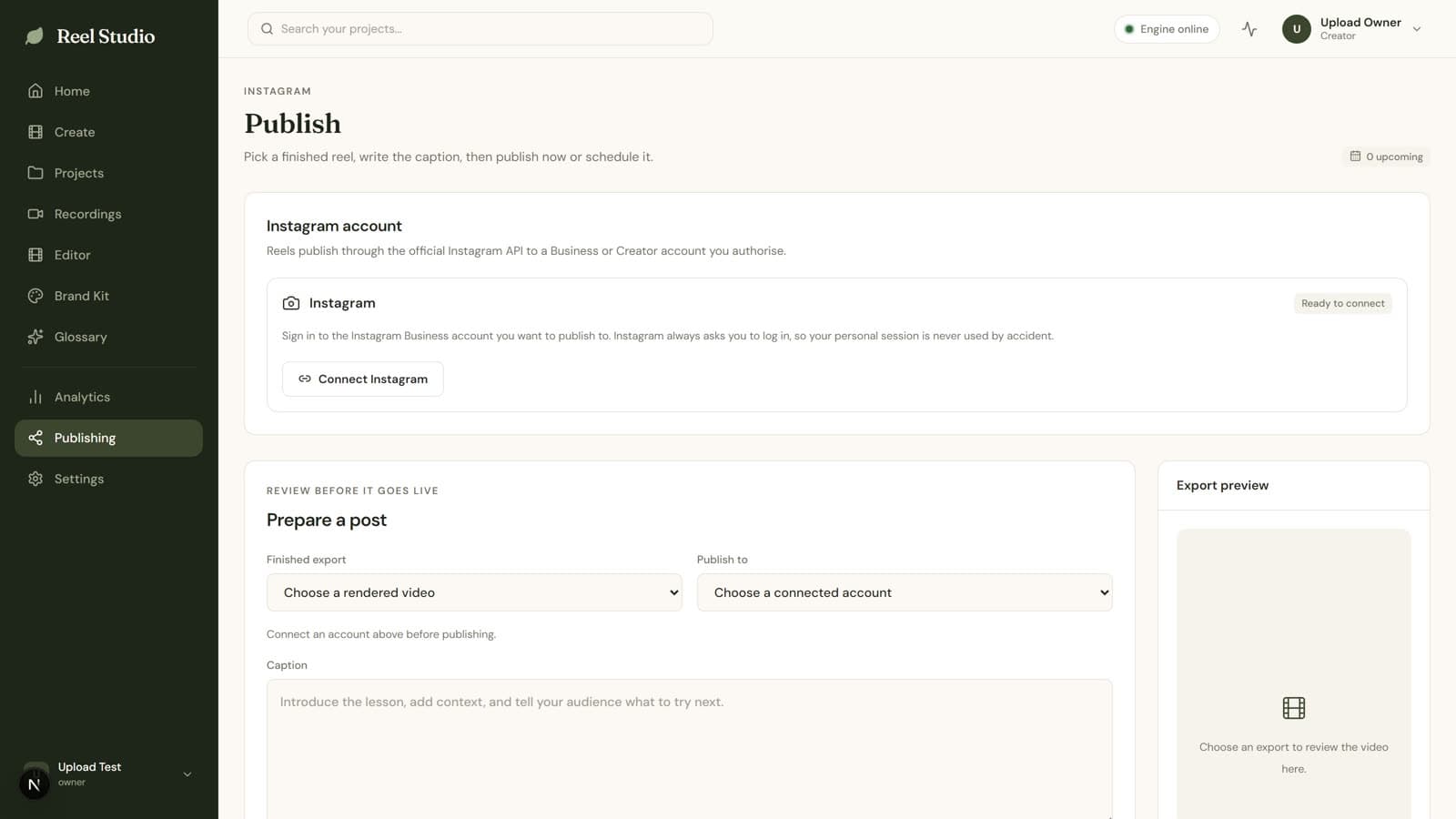
Connect an Instagram Business account through the official Instagram API. Write the caption and hashtags, then publish now or schedule it. Every post is checked and never published twice.

Create your next Reel from a recording or an idea.
Start Creating Free